5 Essential Graphic Design Tools Every Designer Should Master
Graphic design is a craft that combines creativity with technical skills. Whether you're just starting or looking to enhance your abilities, mastering the right tools is crucial. Here are five essential graphic design tools every designer should master:
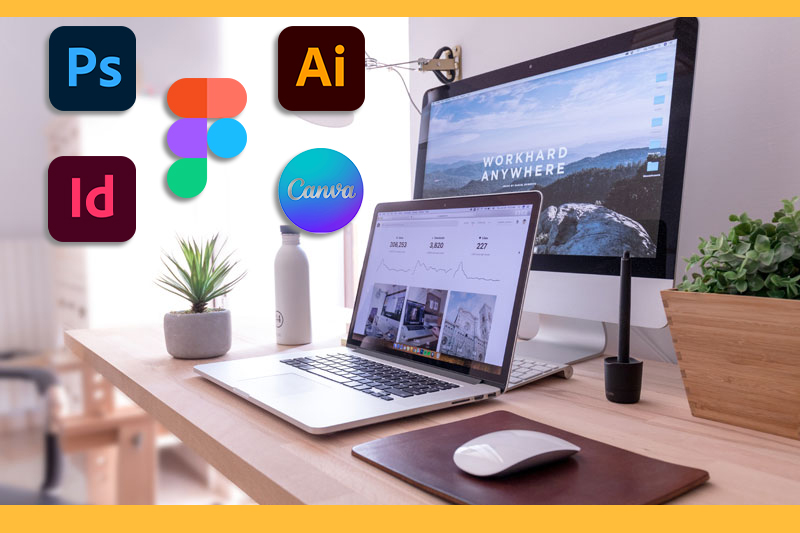
Graphic design is a dynamic field, and mastering the right tools can make or break a designer’s success. Whether you're crafting logos, editing photos, or designing for web and print, these tools are the foundation of every professional’s toolkit.
1. Adobe Photoshop
Adobe Photoshop is the go-to software for photo editing, manipulation, and creating stunning visual effects. Its versatility allows designers to work on everything from logos and posters to digital artwork and web design assets. Key features to master: Layer management Masking and selections Retouching and photo manipulation Color adjustments

2. Adobe Illustrator
Why it's essential: Illustrator is the industry standard for vector graphics. It's perfect for creating logos, icons, typography, and scalable illustrations. Key features to master: Pen tool for vector paths, Shape creation and manipulation, Typography design, Gradient and color blending.
3. Adobe InDesign
Why it's essential: InDesign excels in layout design for print and digital publishing, such as magazines, brochures, and eBooks. Key features to master: Layout design and grids, Typography and text styling, Master pages for consistency, Export options for print and digital.
4. Canva
Why it's essential: Canva is a user-friendly, web-based design tool ideal for quick projects, social media graphics, and templates. Its drag-and-drop functionality makes it accessible to beginners. Key features to master: Pre-made templates and layouts, Customization with drag-and-drop tools, Collaboration features for team projects.
5. Figma
Why it's essential: Figma is a powerful design tool for UI/UX design and team collaboration. It’s cloud-based, making real-time teamwork seamless. Key features to master: Wireframing and prototyping, Interactive design elements, Collaboration tools, Plugin integrations.

Ethan
This list is spot-on! I can’t imagine working without Adobe Photoshop and Illustrator. Figma has been a game-changer for collaboration with my team, especially on UI/UX projects. Great write-up!
Rahul P.
I love how Canva made the list. As a freelancer, it’s my go-to for quick client mockups or social media graphics. However, I’d suggest including tools like Procreate for illustrators who work on tablets.
Reply
Marco
Figma is hands down the best for UI/UX work. It’s intuitive, and the real-time collaboration features are unmatched. Great to see it listed here, but Sketch could have been mentioned as an alternative for Mac users.
Reply
Amanda
As someone who uses design tools occasionally, I appreciate Canva for its simplicity. It’s great for non-designers like me who need quick, polished results without a steep learning curve. The article is clear and concise—great job!
Reply
David
I love that Canva is included here. It’s a lifesaver for creating social media content quickly. However, I’d also recommend tools like Visme or Crello for more unique templates
Reply
Chloe
Great overview of tools! Figma has become indispensable for my workflow. One suggestion: mention the integration of tools with plugins or platforms like Slack and Jira for project management. That really enhances productivity.
Reply
John Doe
I use Photoshop and Canva almost daily for my YouTube thumbnails and social media posts. This article reinforced why these tools are a must-have for anyone working in content creation!
Reply